
/
Thumbnail Slider
Thumbnail Slider
A dual slider with a synchronized thumbnail strip. Click a thumbnail to jump to that slide. Supports below, left (vertical), and filmstrip layouts. Each slide is a Thumbnail Slider Item.
PREVIEW
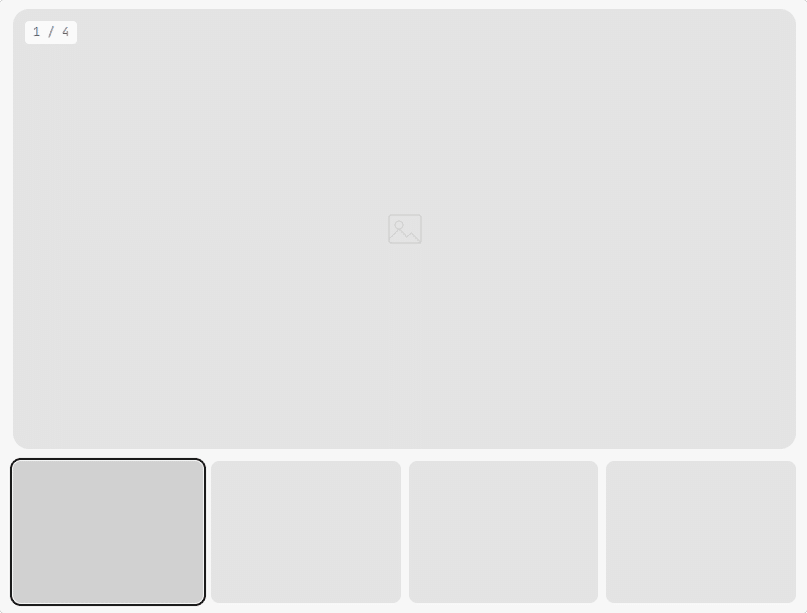
Click a thumbnail to jump to that slide — the strip is built at runtime by view.js from each slide’s .tsb-thumb-data
When to use this block
- Product image galleries with thumbnail navigation
- Portfolio showcases with preview strips
- Before/after comparisons, case studies
- Any slider where users need to jump to a specific slide
Thumbnail Position
Choose where the thumbnail strip appears relative to the main slider.
Below
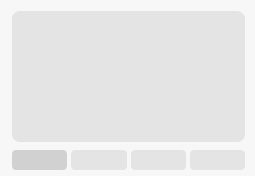
Default layout
Left

Vertical strip
Filmstrip
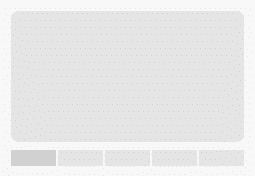
Tighter, no gaps
Thumbnail Settings
Control how many thumbnails are visible, the gap between them, and the active highlight color.
Thumbnails
Sidebar Panel
Visible
Gap
px
Active Color
ACTIVE HIGHLIGHT
Set thumbsVisible: 0 to let Swiper auto-calculate based on available space. Or set a fixed number (e.g. 4 or 6).
Border Radius
Separate radius controls for the main slide and thumbnails. Applied via CSS custom properties.
Radius
Sidebar Panel
Main Slide
px
Thumbnails
px
VISUAL
16px radius
8px radius on thumbs
Slide Counter
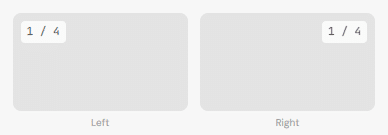
Show a “1 / 4” counter overlay. Position it left or right. Customize the text color.
Counter
Sidebar Panel
Show Counter

Color
Position
COUNTER POSITIONS
Navigation & Playback
Arrow buttons (inside the slider or outside top-right), autoplay, loop, and transition settings.
Navigation
Sidebar Panel
Show Arrows
Show on Mobile
Arrow Position
Custom Icon
None
Playback
Effect
Autoplay

Delay
ms
Loop
Speed
ms
Height Mode
Arrow positions: inside places arrows within the main slide area. outside-top-right places them in a header row above the slider (next to the counter if enabled).
Background & Width
Optional background color or gradient. Control max-width or set to full-width.
Background
Solid color or gradient on the outer wrapper. Gradient overrides color.
Max Width
Tailwind token (sm–7xl) or full-width toggle. Auto-centered.
Spacing
Padding (all 4 sides) and margin. Responsive across breakpoints.
Responsive: Mobile Tablet Desktop
All Available Controls
Thumbnail Position Below, left, filmstrip

thumbPosition: "below" (default), "left" (vertical strip), "filmstrip" (tight strip). Controls layout order — left renders thumbs before the main slider inside .tsb-layout.
Thumbnail Settings Visible count, gap, active color
thumbsVisible: number (0 = auto, lets Swiper auto-calculate). thumbGap: px (default 8). thumbActiveColor: hex highlight color for the active thumbnail — only rendered as a CSS var when non-empty, unlike the two radius vars below which always render.
Border Radius Main slide + thumbnail radius
mainBorderRadius (default 16px), thumbBorderRadius (default 8px). Always rendered as CSS custom properties --tsb-main-radius / --tsb-thumb-radius on the wrapper — never omitted, falls back to 0px if falsy rather than being skipped.
Slide Counter Toggle, color, position
showCounter: toggle. counterColor: hex. counterPosition: "left" or "right". Displays as “1 / N” format, updated by JS on slide change
Navigation & Playback Arrows, effect, autoplay, loop, speed
navigation/navigationMobile: arrow toggles. arrowPosition: "inside" or "outside-top-right". arrowIconUrl: custom icon. sliderEffect: slide/fade/coverflow. autoplay/autoplayDelay/loop/speed. heightMode: "equal" or "auto"
Background & Spacing Color/gradient, max-width, padding, margin
backgroundColor/backgroundGradient. maxWidth/isFullWidth. Padding: paddingTop/Bottom/Left/Right (+Md/Lg). Margin: marginMobile/Tablet/Desktop (objects).